
Article
Job Application Checklist: Final Checks Before You Send
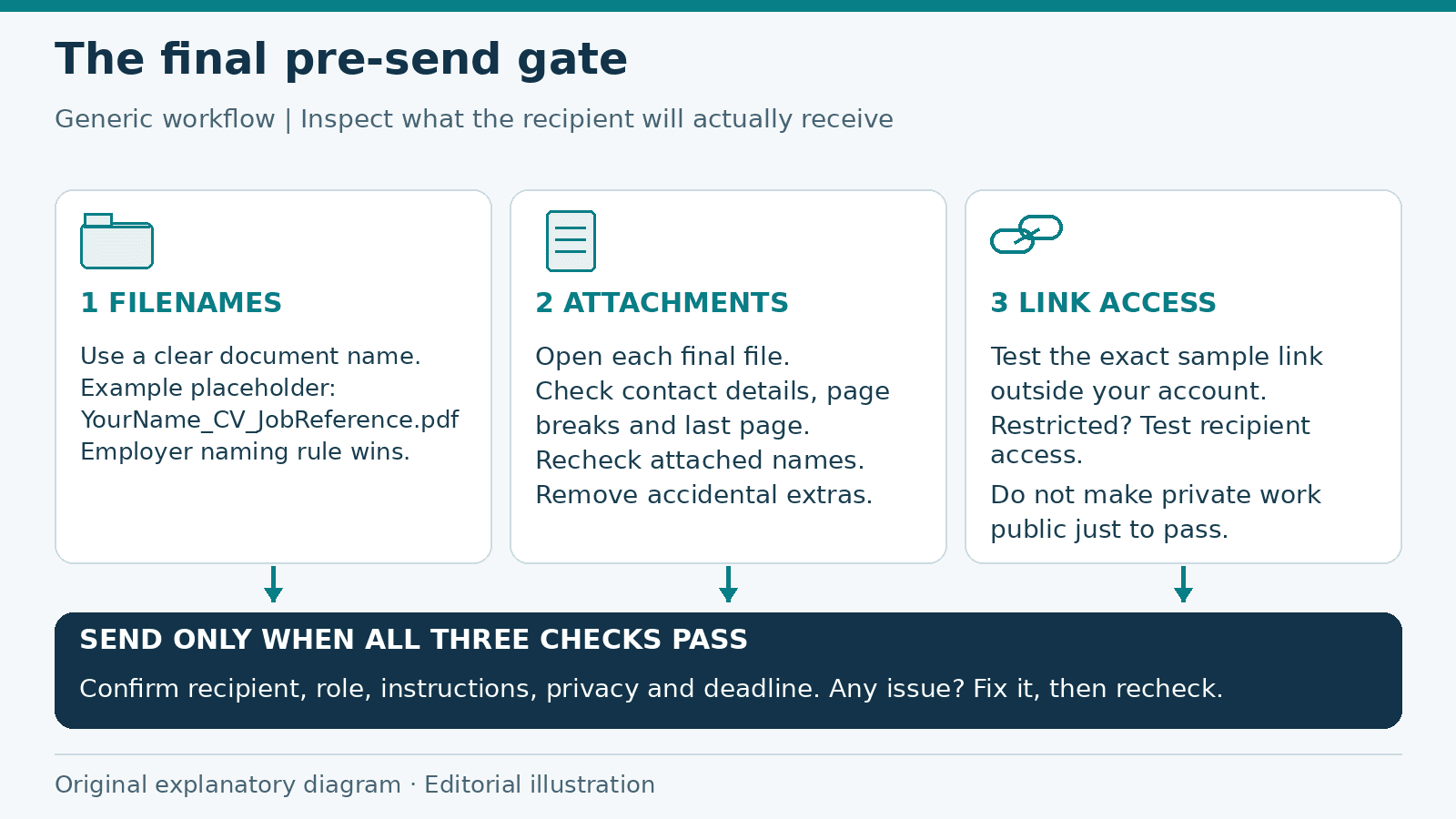
Generic pre-send workflow. The filename is a placeholder example; follow the employer’s naming rule. Original operator-created explanatory diagram; not a product screenshot or ATS test. Drawn from original shapes and text without third-party image assets.
Your CV is written and the application is almost ready. Use this job application checklist for the last review before you press Send. It focuses on the files and links the employer will receive, including details that are easy to miss when you have been editing for a while.
This is a final pre-send check, not a guide to writing an application from scratch. Keep the vacancy instructions open beside the finished documents and review the actual attachments rather than the drafts you meant to send.
Match the destination and instructions
Confirm the employer name, job title and reference number. Check the recipient address or application portal against the vacancy. For an email, use the requested subject line and remove any company name left over from an earlier application.
Recheck the deadline and stated time zone. If the advertisement specifies a format, filename or upload limit, follow it. A carefully prepared PDF is still the wrong attachment if the employer asked for a different format.
Open every final attachment
Put only the files you intend to send in a clearly named application folder. Open each one from that folder. Check the first and last pages, page breaks, headings and contact details. Look for a blank page, an unfinished sentence or a cover letter addressed to another company.
Use a readable filename such as YourName_CV_JobReference.pdf. Avoid names such as CV_final_final2.pdf, which make it harder to tell versions apart. If the employer supplies a naming rule, use that instead.
Attach the selected files, then check their names again in the email or upload screen. Similar filenames can hide an outdated version. Do not attach an editable backup or personal working notes by mistake.
Test links from outside your own account
Open portfolio, profile and document links in a signed-out or private browser window. Follow them to the specific work sample, not just the homepage. Check whether the recipient can read the page and whether any promised download works.
If a file needs restricted access, arrange access for the intended recipient and test that route. Do not make confidential work public merely to remove an access warning. Google Drive's sharing guidance explains the difference between restricted access and anyone-with-link access; it also distinguishes viewing from editing.
For application samples, choose viewing access when editing is unnecessary. Inspect the shared folder as well as the file so you do not expose unrelated documents. A private-window check helps reveal access problems; it does not prove that the file is private or suitable to share.
Check privacy and consistency
Compare the CV, cover letter and form. Dates, job titles and qualifications should agree. Make sure the email address is one you monitor and the phone number includes the appropriate country code for an international application.
Remove unnecessary identification numbers, banking information and family details from an initial application. Ask references before sharing their contact details. Check work samples for customer names, private messages or material you do not have permission to disclose.
Run the final pre-send checklist
- The recipient, employer name, role and reference are correct.
- The subject line or form follows the vacancy instructions.
- Every requested document is present, with no accidental extras.
- Filenames identify the right candidate and document.
- The attached files open and show the intended final text.
- Links reach the right pages with suitable permissions.
- Contact information is correct across every document.
- Private and confidential information has been reviewed.
- The application is ready before the stated deadline.
Keep the version you sent
Save the exact documents and message after submission, along with the vacancy and any confirmation. Record the date and reference number. This gives you something reliable to consult if an interview invitation arrives later.
If you still need to prepare the underlying CV, use the ALHarih Resume Builder or its step-by-step guide. For broader preparation, see the job application preparation checklist.
Read next
View all articles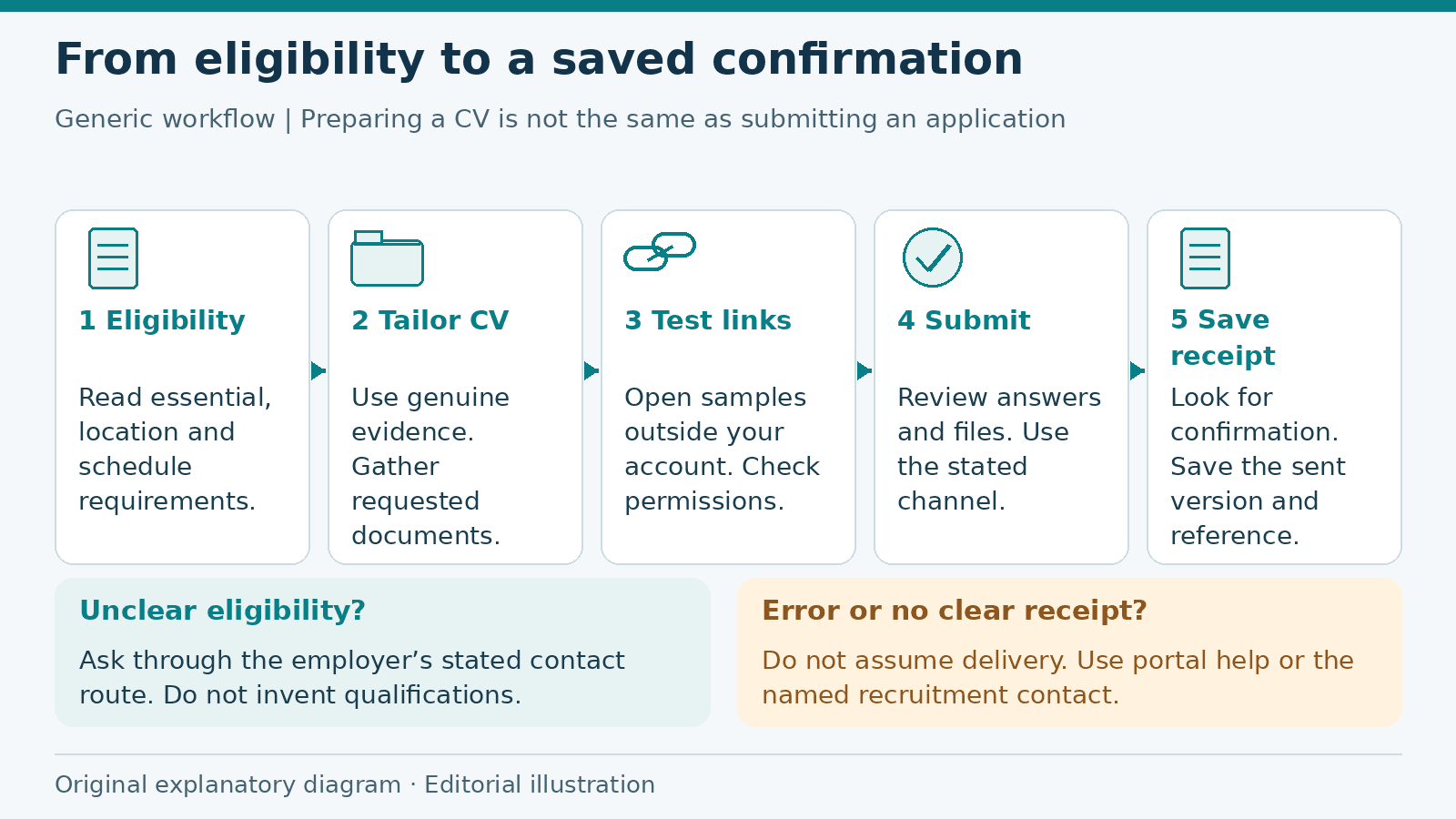
Job Application Checklist: From Eligibility to Submission
Prepare a job application from eligibility checks to submission confirmation, with a fictional worked example, document guidance and a practical checklist.
Read more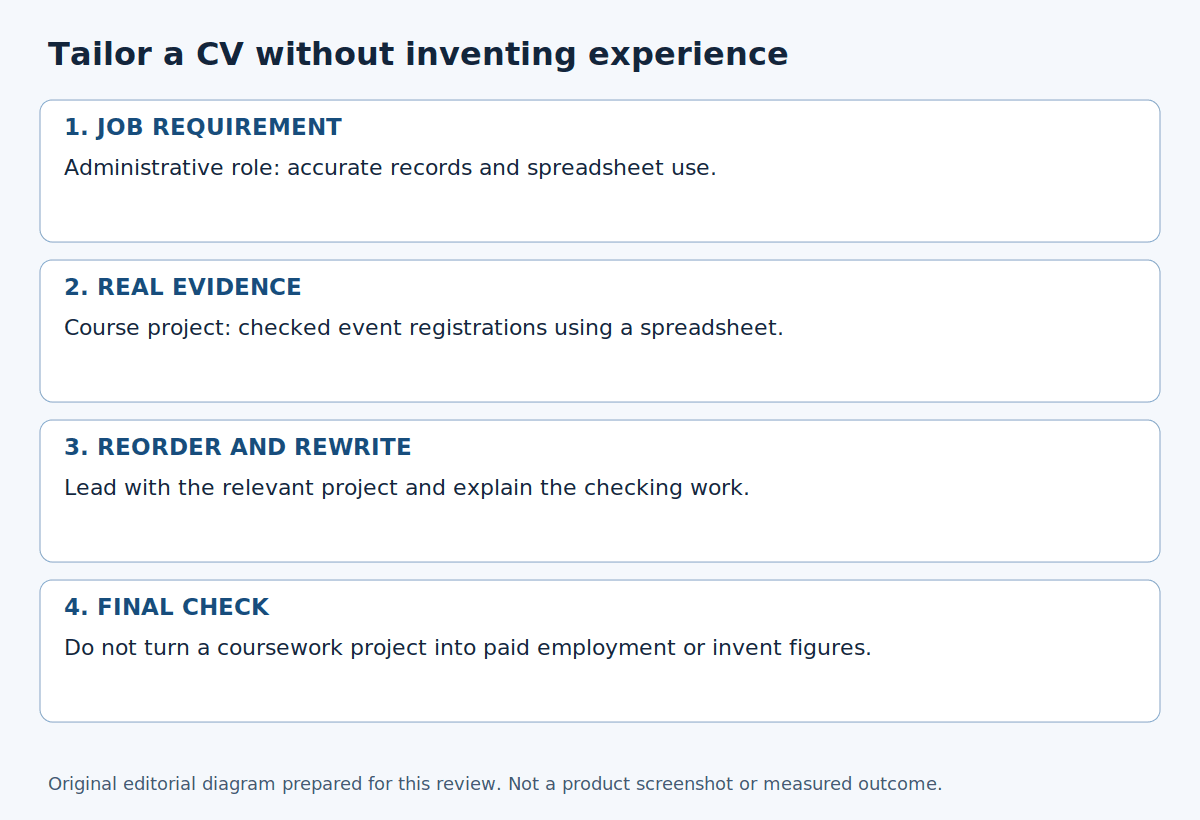
How to Tailor Your CV to a Job Description
Match a job advert to genuine experience, choose the right examples and reorder your CV without inventing skills, qualifications or results.
Read more
How to Get Clients: Build a Relationship Before Asking for Work
Learn how to get clients through genuine conversations, relevant outreach, respectful follow-ups, and a professional profile that shows your work.
Read moreExplore related career opportunities
Find roles that fit your location and interests. Each listing explains its current or planned vacancies.
All locations, roles and employment types
Comments (0)
Sign in to join the discussion.
No comments yet. Start the conversation.