
Article
ALHarih Resume Builder: Create and Check Your CV
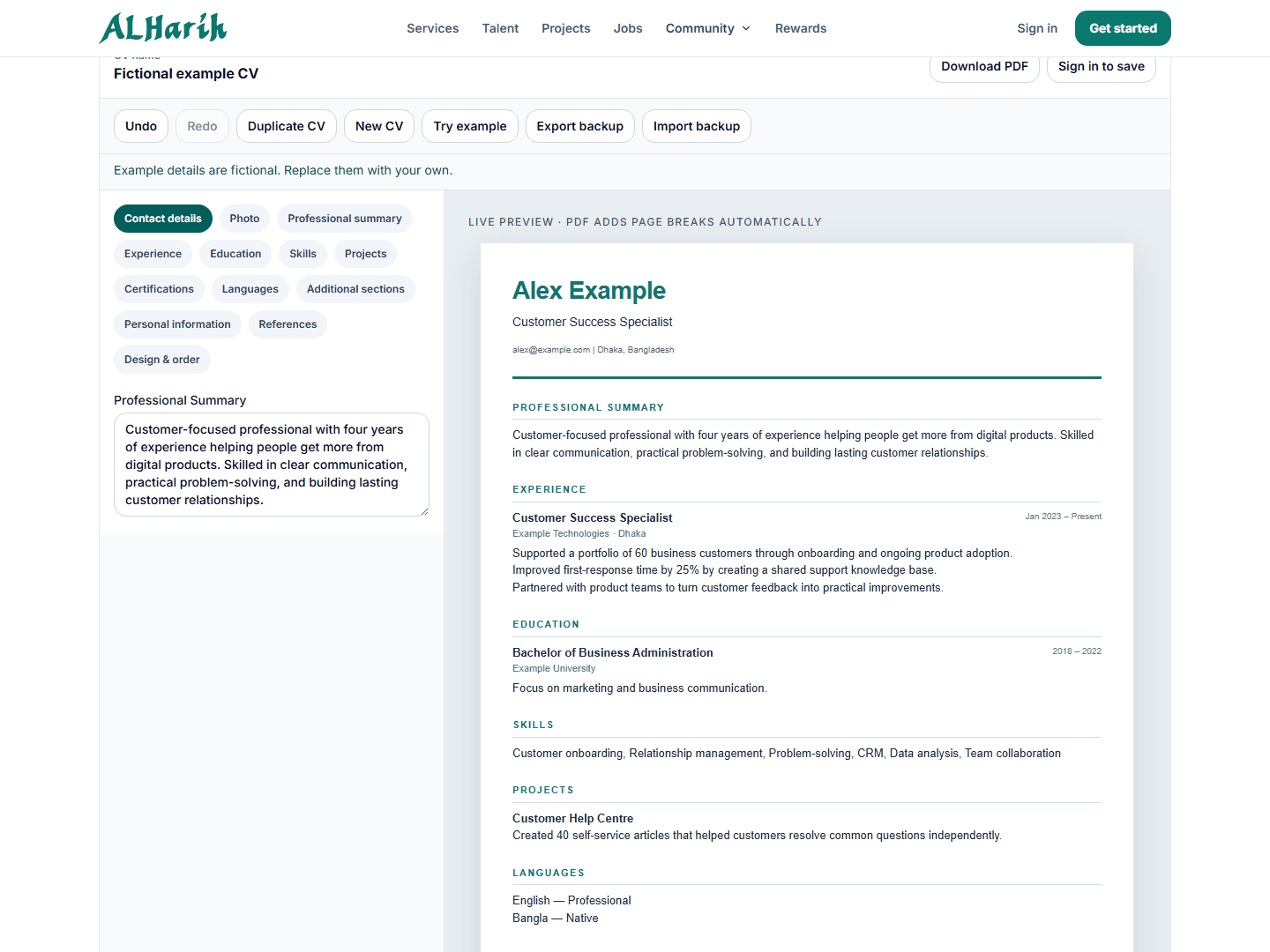
ALHarih Resume Builder helps you turn your work history into a CV you can edit and check before applying. Start with a target role and accurate information. A template can organize the page, but you still need to decide what an employer should learn from it.
The screenshots and detailed control descriptions below come from the guide's 9 October 2026 preparation using fictional candidate details. The public builder page still describes guest editing, templates, PDF download and optional account features. Account import, saving and sharing are not re-tested here; check the current interface before relying on them. A CV does not guarantee an interview.
Prepare your information and open the builder
Open ALHarih Resume Builder. Give the document a useful CV name, such as “Customer Support CV”. You can begin with the empty editor or select Try example to explore a fictional sample. Replace every sample detail before using the document.
Gather your employment dates, education, skills, project links and contact information first. Decide which role you are targeting. This helps you choose relevant achievements instead of copying your entire work history into every application.
Add contact details or review a profile import
Under Contact details, enter your name, professional title, email, phone and location. Website, LinkedIn and GitHub fields let employers explore relevant work. Check every link and avoid including private repositories or material you cannot share.
The guide's account-control review recorded Build from my profile as an option to choose existing profile sections, including summary, experience, education and skills. Review the import choices and replacement option before applying them. Imported information still needs proofreading, and changes in the editor need saving. Complete missing background information through your ALHarih account and profile guidance.
Write the summary and experience for a specific role
Use Professional summary for a short introduction: your field, relevant experience and the contribution you can make. For example: “Customer support specialist experienced in onboarding users, documenting recurring questions and coordinating technical escalations.” Adapt it to your actual background.
In Experience, add each job title, organization, dates, location and description. Put recent relevant work first. Replace broad duties with specific actions and outcomes. Only include numbers you can support; a clear explanation is better than an invented performance statistic.
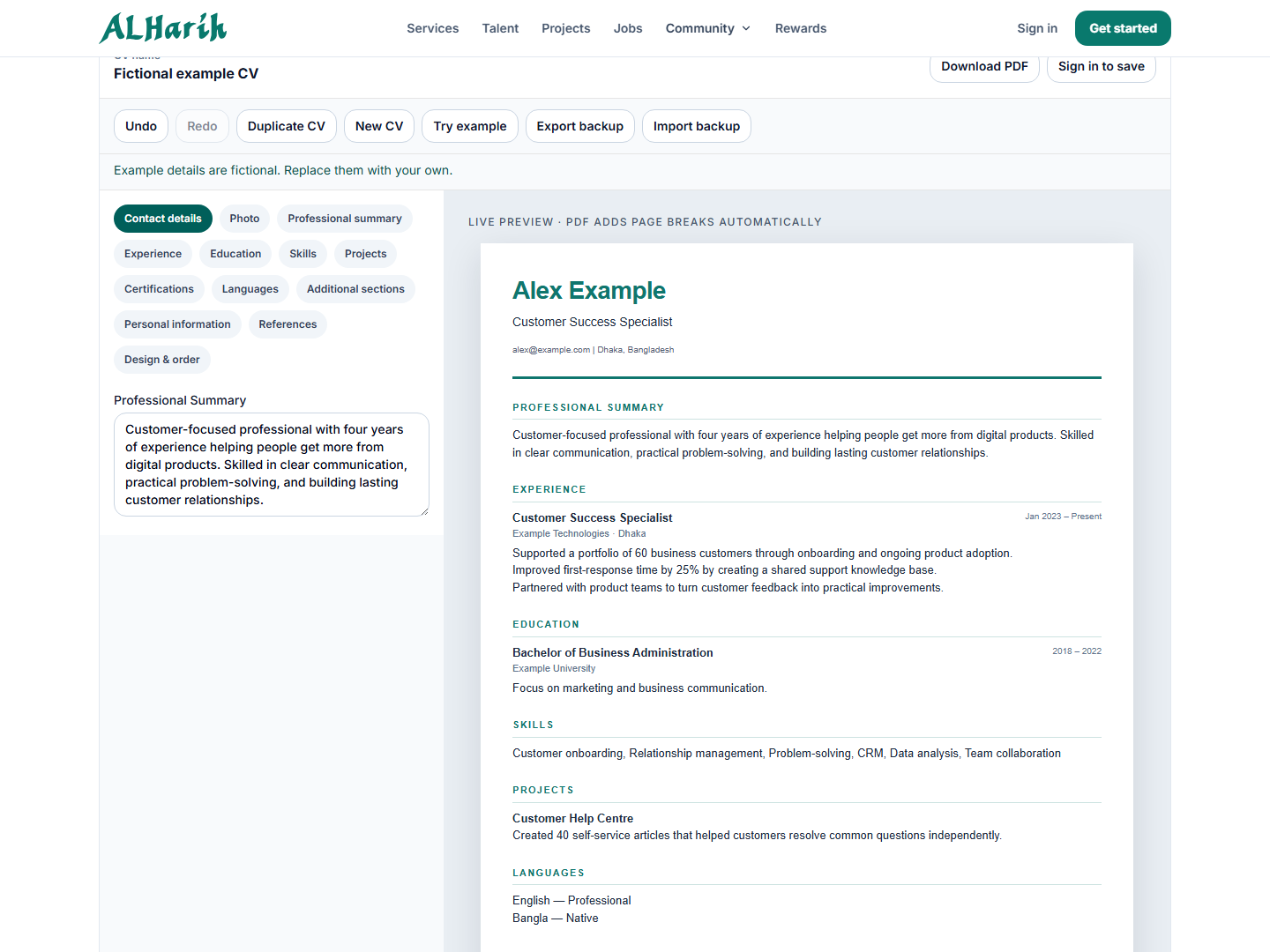 Live ALHarih editor captured on 9 October 2026. Alex Example and the sample career history are fictional. Screenshot created by ALHarih for this guide.
Choose relevant education, skills and projects
Add qualifications in Education, including institution, dates and useful details. List relevant skills you can demonstrate. Projects can show practical ability when your employment history is short: explain what you built, your contribution and the result, then add a working project URL.
Use Certifications, Languages or Additional sections when they strengthen the application. A project link may point to a live demonstration or source repository; describe which it is. Obtain permission before sharing client work, and keep confidential details out of public examples.
Choose a readable template
The October walkthrough recorded eight templates in Design & order: Modern, Classic, Compact, Executive, Professional, Creative, Minimal and Biodata. It also recorded controls for accent color, font, page size, spacing and section visibility. After changing a design, check that every section still appears as intended.
Choose a readable layout suited to the employer’s instructions. A simple single-column design is a useful starting point. The live preview helps with layout, but inspect the exported PDF for actual page breaks. A template cannot guarantee automatic one-page output or compatibility with every applicant tracking system.
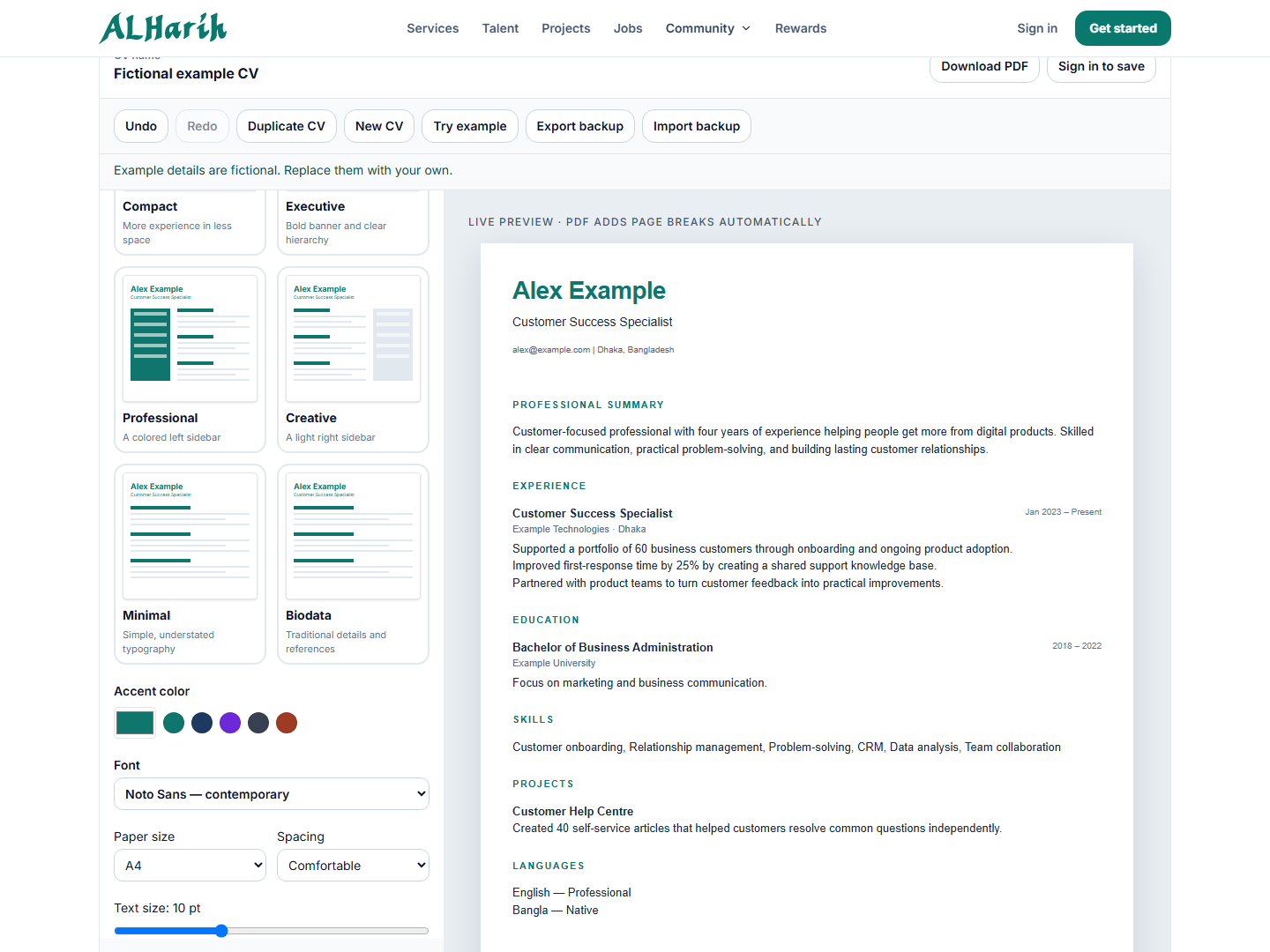 Live template and formatting controls, captured by ALHarih on 9 October 2026 using fictional details.
The October Photo section included upload and cropping controls. Use a clear image you own if a photo is appropriate for the application. Personal information fields are optional: include only relevant details you are comfortable sharing. Ask references before adding their contact information.
Separate saving, backup and public sharing
The public page describes browser editing, local backup and account saving. The October controls called the editable JSON copy Export backup and its restore action Import backup. This is different from the PDF you send to employers. Keep a backup before clearing browser data or changing devices. If you use Save to account, confirm that the save succeeded before leaving the editor.
The October account controls included Enable web CV & QR and a separate search-publication checkbox. The current public page warns that published professional and contact details can appear in search engines, and link-only CVs are visible to anyone holding the link. Read the current visibility notice before saving. The October notice stated that personal biodata and references remained private on the web CV; verify the current preview and notice rather than assuming that every stored field is hidden.
Review visibility whenever you revise your CV. Do not assume that downloading a PDF makes an account document private or that a shared link is accessible only to its intended recipient.
Check the downloaded file, then apply separately
Select Download PDF and open the file. Check spelling, dates, contact links, text readability and page breaks. Guest PDF download was verified during the guide's October preparation; this editorial update does not claim a new download test. Keep a version named for the role so that you attach the correct document.
Building a CV does not submit a job application. On an ALHarih application, you can use an existing PDF or build a CV through the available workflow. Browse current jobs, read the requirements and complete the application separately. Import backup is not a general PDF-to-editable-CV converter.
Tailor the content without rewriting your history
Suppose you are considering customer support and administrative roles. For support, bring forward real examples of resolving questions and documenting escalations. For administration, emphasize accurate records, scheduling or spreadsheet work you actually performed. Keep employers, dates and qualifications consistent across both versions.
Use a specific bullet instead of an unsupported label. For example, “Documented recurring customer questions and sent unresolved cases to the technical team” explains more than “excellent communication skills.” This is a writing example, not a claim about a real candidate. Add a result or number only if you can support it.
Common mistakes to avoid
Do not leave fictional sample achievements in your CV, use broken project links, publish unnecessary sensitive details or rely on browser storage as your only copy. Avoid tiny text and crowded layouts. Follow the employer’s requested format, and review the downloaded file rather than judging only the preview.
Frequently asked questions
Do I need an account to start?
No. Guest editing and PDF download are available. Signing in provides account saving and profile-import controls.
Is a backup the same as an uploaded CV?
No. The editable backup described here is the builder's own JSON format. An existing PDF is an application document; Import backup is not a general PDF-to-editable-CV converter. Keep the two files labeled so you can find the right one.
Will this guarantee interviews?
No. Results depend on role fit, experience and employer decisions. Use the builder to present accurate information clearly.
Try ALHarih Resume Builder, prepare your CV and tailor it to your next application.
Read next
View all articles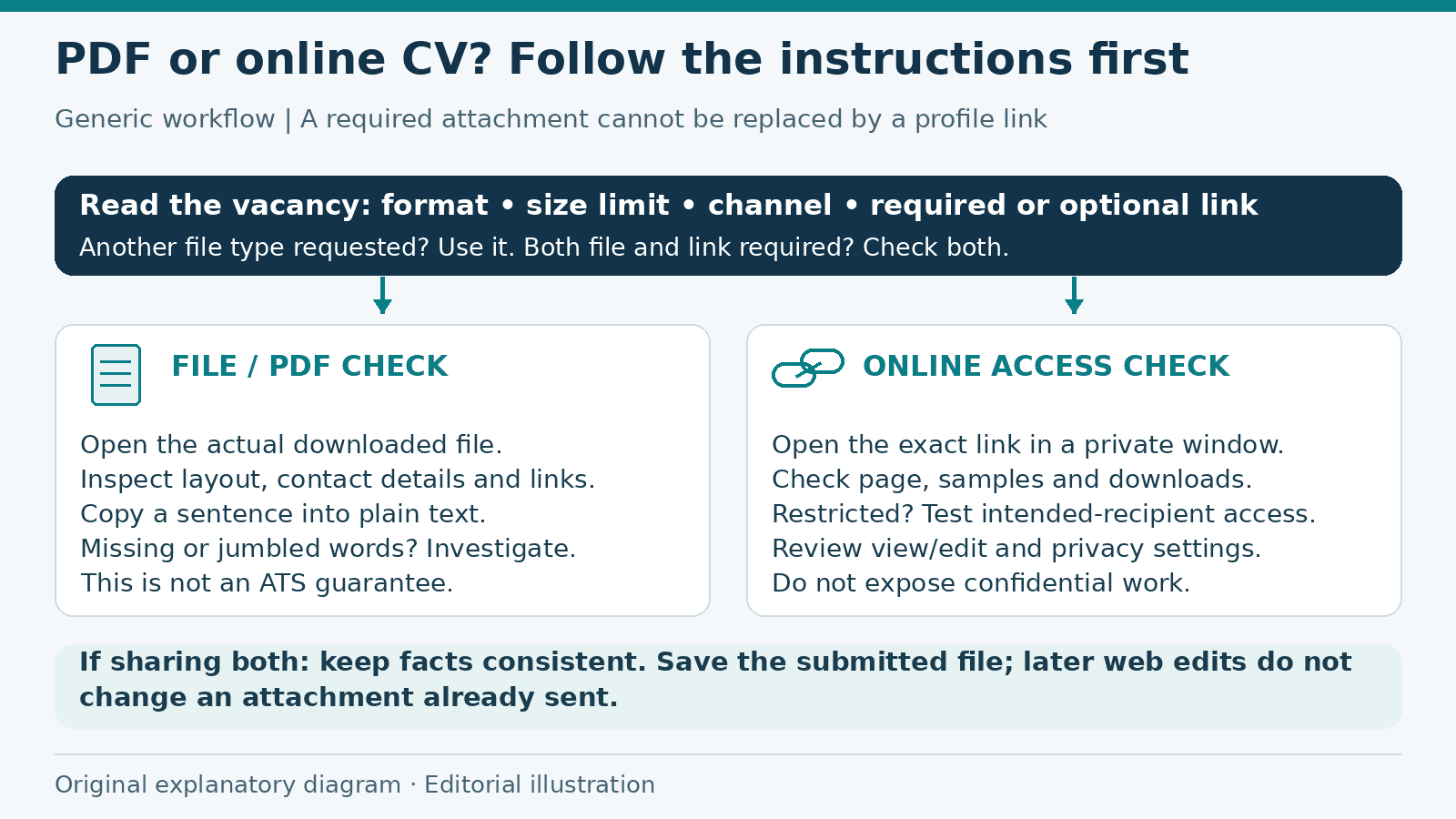
PDF Resume or Online CV: What to Share with Employers
Choose between a PDF resume and an online CV using the employer's instructions, then check readability, permissions, privacy and consistency before sharing.
Read more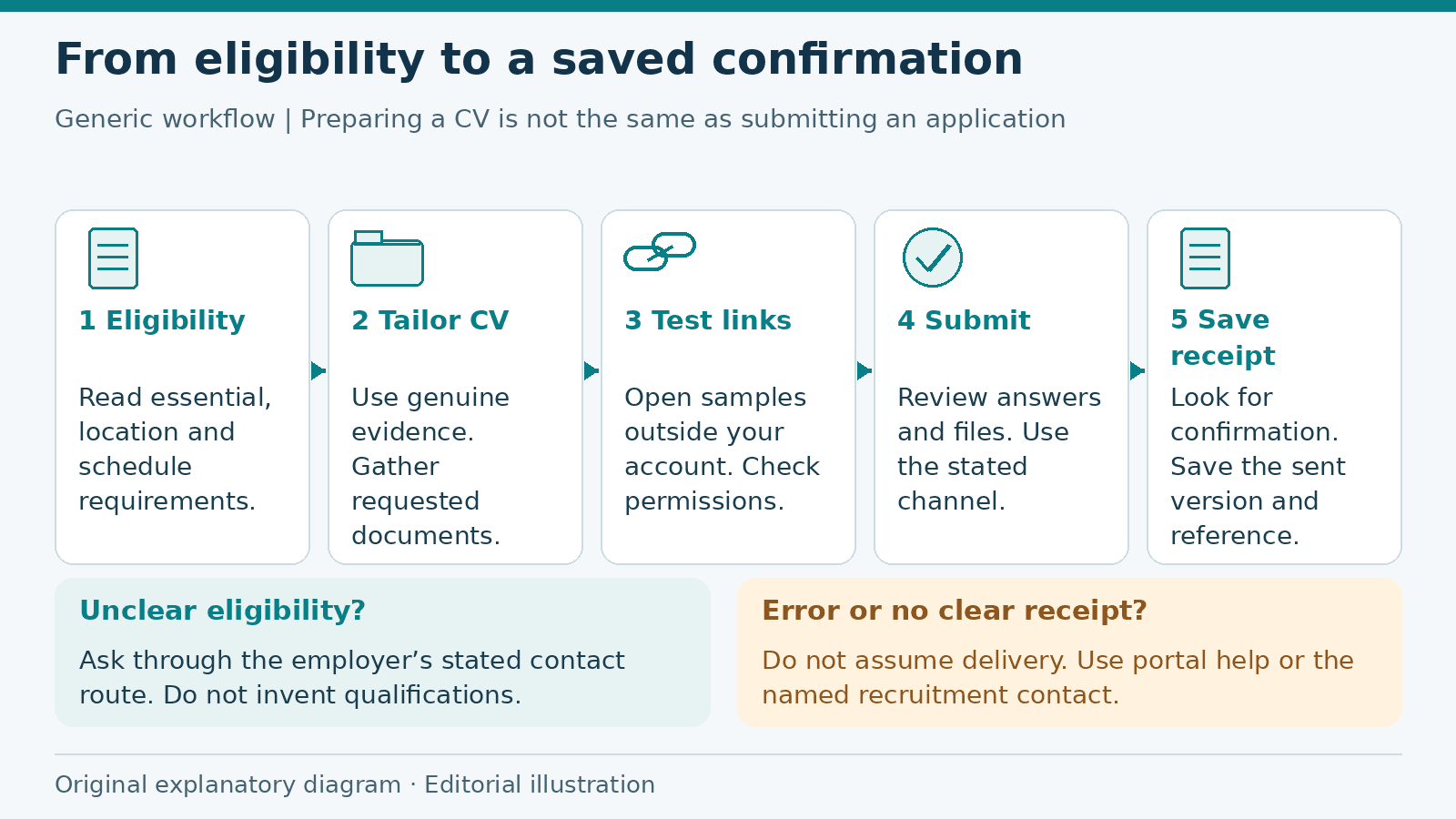
Job Application Checklist: From Eligibility to Submission
Prepare a job application from eligibility checks to submission confirmation, with a fictional worked example, document guidance and a practical checklist.
Read more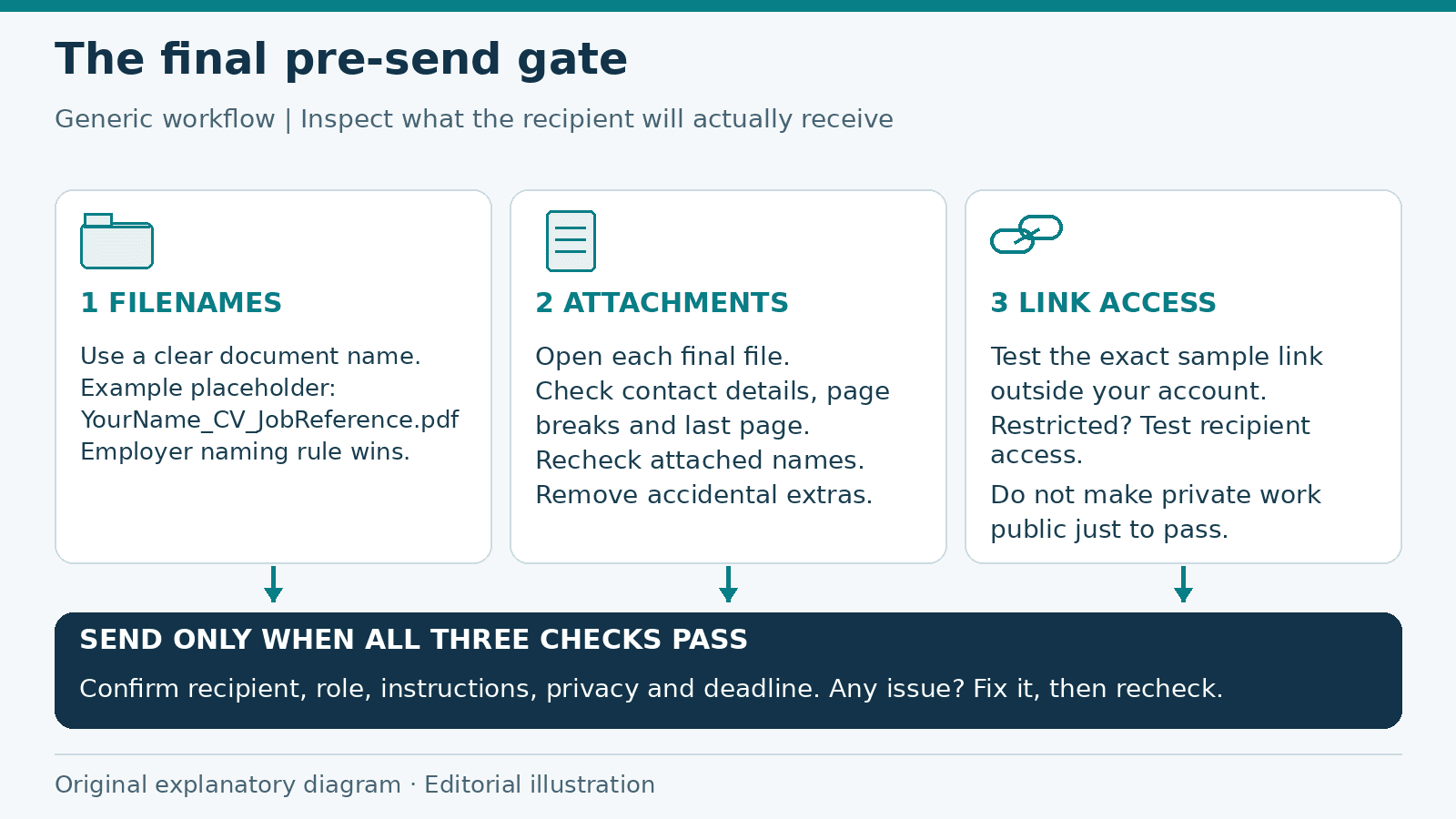
Job Application Checklist: Final Checks Before You Send
A final pre-send review of application filenames, attachments, link permissions and private information, with a checklist to catch preventable mistakes.
Read moreExplore related career opportunities
Find roles that fit your location and interests. Each listing explains its current or planned vacancies.
All locations, roles and employment types
Comments (0)
Sign in to join the discussion.
No comments yet. Start the conversation.