
Article
Custom ERP Project Checklist for Small Businesses

Implementing a custom Enterprise Resource Planning (ERP) system can help small businesses streamline operations, improve reporting, and manage essential business processes from a centralized platform. However, a successful ERP project requires careful planning, clear requirements, realistic budgeting, and effective implementation.
A well-structured custom ERP project checklist for small businesses helps business owners identify their needs, reduce implementation risks, and ensure that the final system supports their long-term goals.
Whether you run a retail company, a manufacturing business, a distribution operation, or a growing service organization, this guide explains the essential steps for planning and implementing a custom ERP solution.
1. Define Your Business Goals and ERP Requirements
Before investing in ERP development, identify the business problems you want the system to solve. Starting with clear objectives helps prevent unnecessary features, rising costs, and implementation delays.
Begin by reviewing your existing workflows and identifying operational challenges such as duplicate data entry, inaccurate inventory records, disconnected software, or slow financial reporting.
Ask these questions:
Which business processes need improvement?
What information is difficult to access?
Which tasks consume too much employee time?
What reporting capabilities does management need?
Which existing systems must integrate with the ERP?
What measurable results would make the project successful?
Document your findings in a requirements list. Separate essential features from optional improvements so the development team can prioritize the most important work.
For example, a small wholesale business might prioritize inventory tracking, purchasing, sales orders, invoicing, and financial reporting before adding advanced analytics.
2. Identify the ERP Modules Your Business Needs
A custom ERP system should reflect your actual business operations rather than include every feature available in the market.
Common ERP modules for small businesses include:
Inventory Management
Track stock levels, product movements, purchase receipts, and reorder points. Depending on your operations, you may also need barcode scanning, batch tracking, or multiple warehouse support.
Finance and Accounting
Manage invoices, expenses, accounts payable, accounts receivable, cash flow, and financial reports. Confirm that the system supports applicable tax rules and accounting requirements.
Sales and Customer Management
Organize customer information, quotations, sales orders, pricing, and order fulfillment. Integration with a CRM system may be useful if customer relationship management is a major business priority.
Purchasing and Supplier Management
Track purchase requests, supplier information, purchase orders, delivery status, and supplier payments.
Human Resources
If required, manage employee records, attendance, leave requests, payroll, and performance information. Payroll functionality should be designed around the relevant jurisdiction's legal requirements.
Reporting and Analytics
Provide dashboards and reports that help managers monitor revenue, expenses, stock levels, order fulfillment, and other key performance indicators.
Checklist: Select only the modules your business needs now or has a clear plan to introduce. A phased implementation can reduce complexity and make the project easier to manage.
3. Set a Realistic ERP Project Budget
Budget planning should account for the full cost of implementation, not just the initial development quote.
Your custom ERP project budget may include:
Business analysis and requirements gathering
UI/UX design and software development
Third-party software licenses and integrations
Cloud hosting or infrastructure
Data migration and validation
Security testing and quality assurance
Employee training and documentation
Ongoing maintenance and technical support
Future enhancements and system upgrades
Request an itemized estimate from your development partner. Clarify what is included, what may incur additional charges, and how changes to the requirements will be handled.
Reserve a contingency budget for unexpected technical challenges or scope changes. The appropriate amount depends on project complexity, data quality, and integration requirements.
Avoid selecting a vendor based solely on the lowest price. An incomplete requirements process or insufficient testing can create expensive problems after launch.
4. Choose the Right Custom ERP Development Partner
Your development partner will influence the quality, reliability, and maintainability of the ERP system.
Evaluate potential vendors using the following criteria:
Experience with ERP projects and your industry
Understanding of your business workflows
Technical expertise in relevant platforms and integrations
Data security and access-control practices
Quality assurance and testing procedures
Documentation and knowledge transfer
Post-launch support and maintenance
Transparent pricing and project communication
Ask vendors to explain how they would approach your specific requirements. Request relevant case studies, references, or demonstrations where available.
Before signing a contract, clarify project milestones, deliverables, ownership of custom source code, intellectual property rights, support arrangements, and acceptance criteria.
A reliable partner should be able to explain both the benefits and limitations of its proposed solution.
5. Create a Detailed Project Scope and Timeline
A clear project scope establishes what the development team will deliver and what falls outside the initial implementation.
Your project documentation should include:
Business objectives and expected outcomes
Required ERP modules and features
User roles and permissions
Integration requirements
Data migration requirements
Reporting and dashboard specifications
Security and performance expectations
Testing and acceptance criteria
Training and launch requirements
Divide the project into manageable phases. A typical implementation may follow this sequence:
Discovery and requirements gathering
Process mapping and solution design
Development and configuration
Integration and data migration
Testing and user acceptance
Training and deployment
Post-launch monitoring and optimization
Establish a project owner, assign responsibilities, and schedule regular progress reviews. Track milestones, unresolved issues, dependencies, and changes to the original scope.
The timeline should reflect the complexity of the project rather than an arbitrary launch date.
6. Plan Data Migration and Integration
Data migration is one of the most important parts of an ERP implementation. Incorrect or incomplete data can undermine reporting accuracy and disrupt daily operations.
Identify the information that must move from spreadsheets, accounting software, inventory tools, or legacy systems into the new ERP.
Prepare a migration plan that covers:
Identifying authoritative data sources
Removing duplicate or obsolete records
Standardizing product and customer information
Mapping old fields to the new database
Validating opening balances and inventory quantities
Testing migrated records before launch
Maintaining backups and a recovery plan
Next, identify the systems the ERP must connect to, such as payment gateways, e-commerce platforms, shipping services, payroll applications, or existing accounting software.
Document what information each integration sends and receives, how frequently it synchronizes, and what happens when a connection fails.
Run migration rehearsals and reconcile important totals before approving the final transfer.
7. Prioritize Security, Access Control, and Compliance
An ERP system centralizes important business information, which makes security planning essential.
Work with your development team to implement appropriate safeguards, including:
Role-based access controls
Strong authentication and multifactor authentication where appropriate
Encryption for data in transit and at rest
Secure application configuration
Regular backups and tested recovery procedures
Audit logs for important actions
Timely software updates and vulnerability management
Appropriate retention and deletion policies
Employees should only have access to the information and functions necessary for their responsibilities.
Review the legal and regulatory requirements relevant to your business, industry, and operating locations. These may include tax reporting, employment records, privacy obligations, or financial recordkeeping.
Security should be built into the system from the beginning rather than treated as a final development task.
8. Test the ERP System Before Launch
Testing helps confirm that the ERP meets the agreed requirements and supports real business workflows.
Create a test plan covering the following areas:
Functional testing: Confirm that each module performs its intended tasks.
Integration testing: Verify that connected systems exchange accurate information.
Data migration testing: Check record completeness, opening balances, and inventory quantities.
User acceptance testing (UAT): Ask employees to complete realistic business tasks and confirm that the system meets their needs.
Security testing: Check permissions, authentication, and potential vulnerabilities.
Performance testing: Assess response times and system behavior under expected workloads.
Backup and recovery testing: Verify that critical information can be restored when needed.
Document defects, assign responsibility for fixing them, and retest affected features. Do not approve the launch until critical issues are resolved and key business processes have passed acceptance testing.
9. Prepare Employees Through Training and Change Management
Even a well-designed ERP system can fail to deliver value if employees do not know how to use it.
Involve key users during requirements gathering and testing. Their feedback can identify practical issues before the system reaches the wider organization.
Prepare role-specific training for finance staff, warehouse employees, sales teams, managers, and administrators.
Training should include:
Logging in and navigating the system
Completing everyday tasks
Following updated workflows
Handling errors and unusual situations
Protecting sensitive information
Contacting support and reporting problems
Provide clear documentation, short instructional guides, and a designated contact for questions.
Explain why the new system is being introduced and how it will improve daily work. Encourage employees to report issues during the transition so that the business can address them quickly.
10. Plan the ERP Launch and Ongoing Support
A successful launch requires coordination between the business, development team, and end users.
Before going live, confirm that:
Critical testing has been completed.
Data migration has been validated.
User accounts and permissions are configured.
Employees have received appropriate training.
Backups and recovery procedures are ready.
Integrations are functioning correctly.
Support contacts and escalation procedures are documented.
The team has an agreed rollback or recovery plan.
Choose a deployment approach that suits your operational risk. Some businesses benefit from a phased rollout, while others may need a coordinated launch across multiple departments.
After launch, monitor system performance, user feedback, data accuracy, and unresolved issues. Schedule regular maintenance, security updates, and reviews of business requirements.
An ERP system should evolve as your business grows, but new features should be prioritized according to business value and available resources.
11. Measure ERP Project Success
Define success metrics before implementation so that you can compare results with the original business objectives.
Potential key performance indicators (KPIs) include:
Inventory accuracy
Order processing time
Invoice processing time
Reporting turnaround time
Frequency of data-entry errors
On-time order fulfillment
Employee adoption and training completion
System availability and support response times
Record baseline measurements before deployment and compare them with results after implementation. Review the figures regularly rather than relying on anecdotal feedback alone.
For example, if the primary goal is to improve inventory accuracy, measure discrepancies before and after implementation. If the goal is faster reporting, compare the time required to produce key financial or operational reports.
The right metrics depend on your business goals and the ERP modules you implement.
Custom ERP Project Checklist for Small Businesses
Use this checklist to review your readiness before moving forward.
Planning and Requirements
Business goals and operational problems are documented.
Required ERP modules are prioritized.
Project scope and acceptance criteria are approved.
A project owner and decision-makers are assigned.
Budget and Vendor Selection
Development and implementation costs are estimated.
Hosting, training, maintenance, and support are included.
Vendors have been evaluated against clear criteria.
Contract terms and source-code ownership are understood.
Data, Integrations, and Security
Data sources are identified and cleaned.
Migration and reconciliation plans are documented.
Required integrations are specified and tested.
User permissions and security controls are defined.
Backup and recovery procedures are tested.
Testing and Launch
Functional and integration testing is complete.
User acceptance testing is approved.
Critical defects are resolved.
Employees are trained.
Launch and rollback plans are documented.
Post-Launch Improvement
Performance and business KPIs are monitored.
User feedback is collected.
Maintenance and security updates are scheduled.
Future improvements are prioritized by business value.
Conclusion
A successful custom ERP implementation starts with clear business objectives, realistic budgeting, and a practical understanding of operational requirements. Small businesses can reduce risk by selecting the right modules, choosing an experienced development partner, preparing their data, testing thoroughly, and involving employees throughout the process.
Use this custom ERP project checklist for small businesses as a planning framework to organize requirements, manage implementation tasks, and measure results after launch.
The goal is not simply to build new software. It is to create a reliable system that improves business processes, supports informed decisions, and grows alongside your organization.
Frequently Asked Questions
How much does a custom ERP system cost for a small business?
The cost depends on the number of modules, development complexity, integrations, data migration, hosting, security requirements, and ongoing support. Obtain a detailed estimate based on documented requirements rather than relying on a generic price.
How long does a custom ERP implementation take?
The timeline varies according to the scope, integrations, data quality, and testing requirements. A focused initial implementation may be completed faster than a system covering multiple departments and complex workflows. Ask vendors to provide milestone-based estimates.
Should a small business choose custom ERP or off-the-shelf software?
Off-the-shelf ERP software may suit businesses with standard workflows and limited customization needs. Custom ERP development may be appropriate when specialized processes, integrations, or business requirements are not adequately supported by existing products. Compare total cost of ownership, flexibility, maintenance, and implementation risk before deciding.
What is the biggest risk in a custom ERP project?
Common risks include unclear requirements, scope creep, poor data quality, inadequate testing, weak employee adoption, and insufficient post-launch support. A structured project plan and clear ownership help reduce these risks.
Can a small business implement ERP in phases?
Yes. A phased rollout can allow a business to prioritize essential functionality, validate results, and introduce additional modules over time. The phases should still share a coherent architecture, data strategy, and integration plan.
https://www.oracle.com/erp/what-is-erp/implementation/?utm_source=chatgpt.com
Read next
View all articles
How to Write a Freelance Project Brief: A Checklist
Define the work before requesting a quote: a practical checklist, copyable brief template and fictional landing-page example.
Read more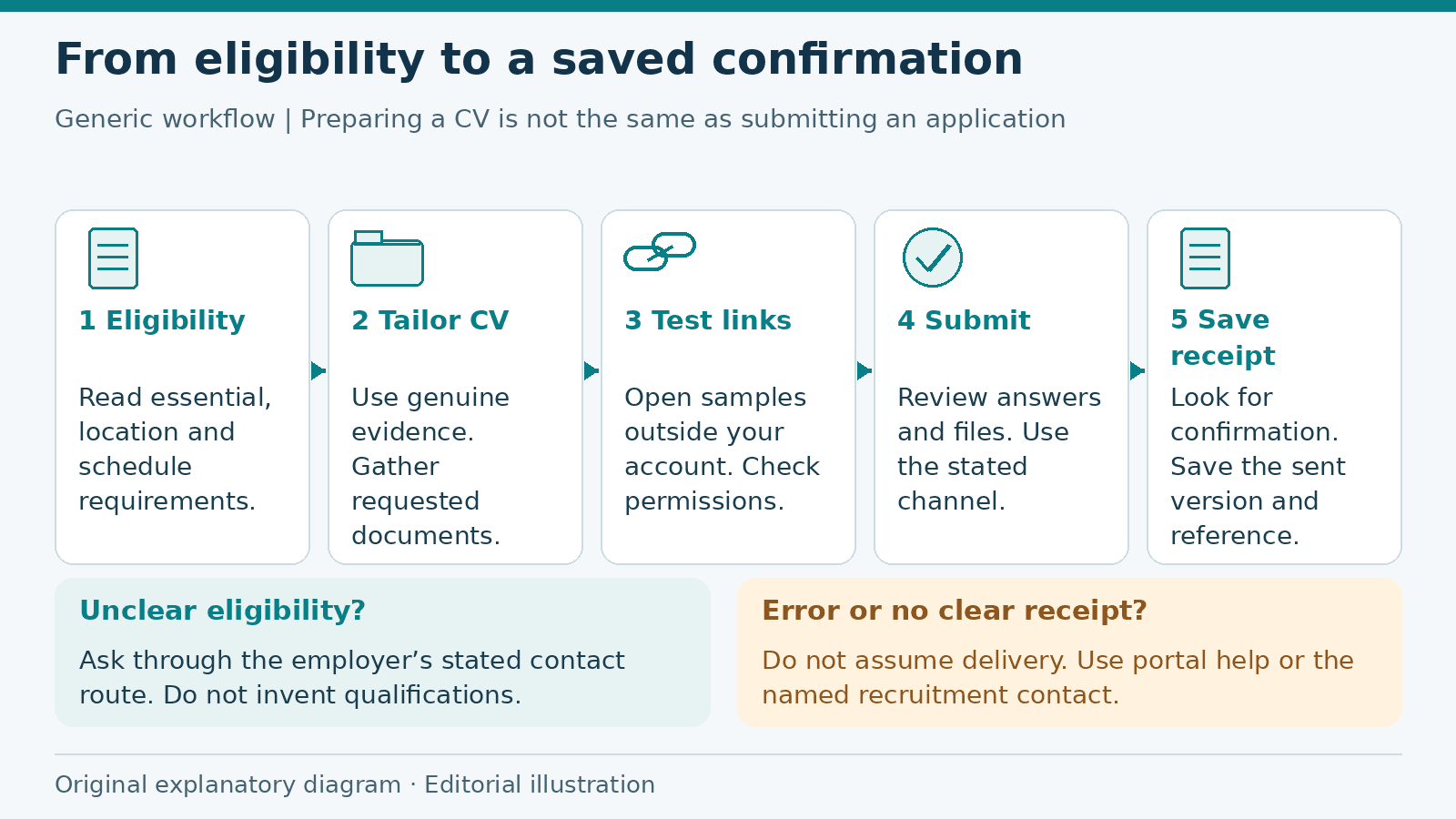
Job Application Checklist: From Eligibility to Submission
Prepare a job application from eligibility checks to submission confirmation, with a fictional worked example, document guidance and a practical checklist.
Read more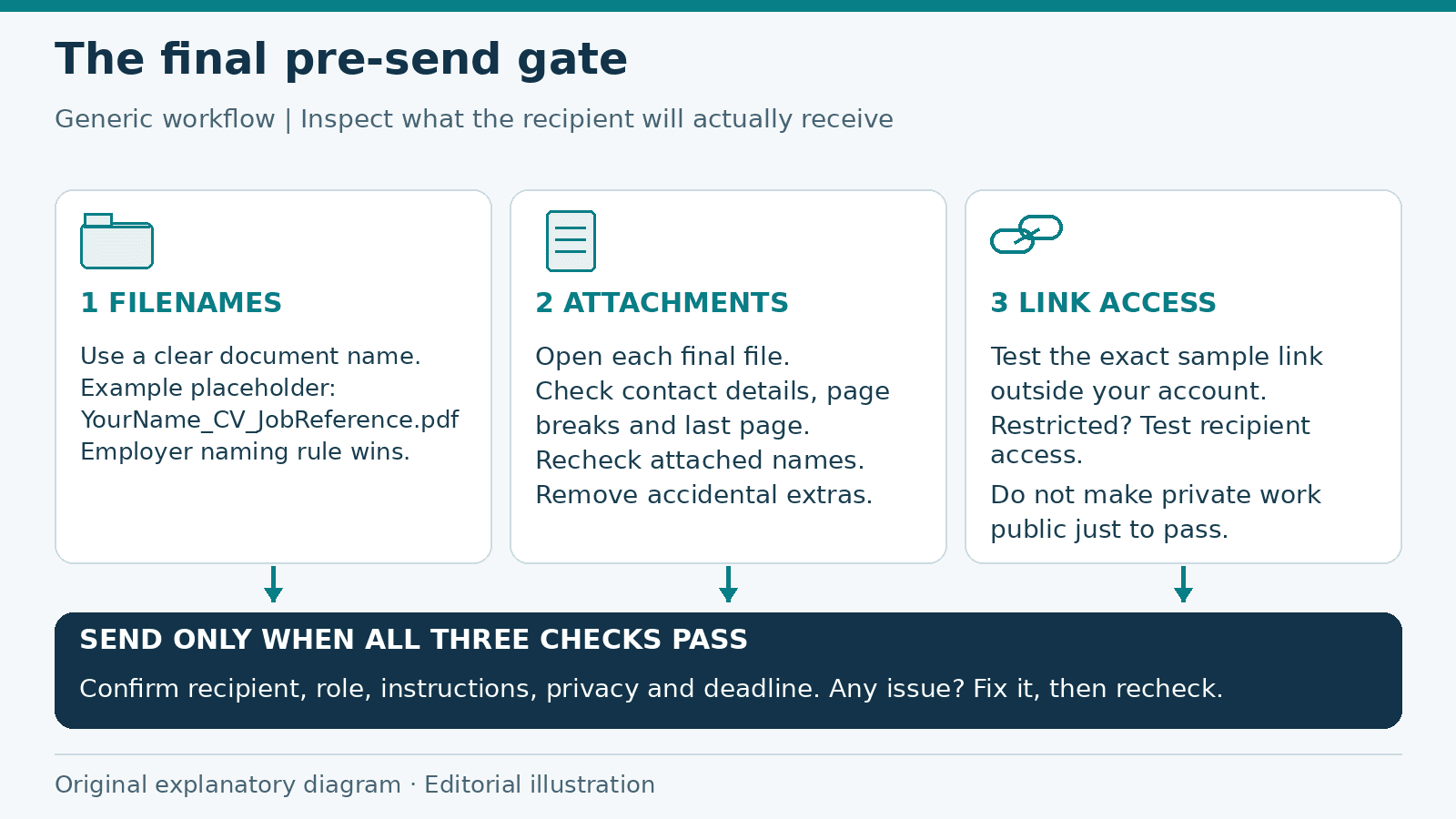
Job Application Checklist: Final Checks Before You Send
A final pre-send review of application filenames, attachments, link permissions and private information, with a checklist to catch preventable mistakes.
Read moreExplore related career opportunities
Find roles that fit your location and interests. Each listing explains its current or planned vacancies.
All locations, roles and employment types
Comments (0)
Sign in to join the discussion.
No comments yet. Start the conversation.